Video transcript: compliance checks from cloud changes
English narration and captions for captured cloud changes, pull receipts and change-triggered checks.
Walkthrough · Updated 2026-10-24 · Describes release 0.1.164
Watch it in Review execution in Changes.
A walkthrough with English narration and synchronized captions, recorded on the restored portal with sample data. It shows pulling recent cloud changes, reading the pull receipt, inspecting a captured operation and following change-triggered control checks. Real cloud capture and compliance outcomes require separate verification. No infrastructure fix is executed in this walkthrough.
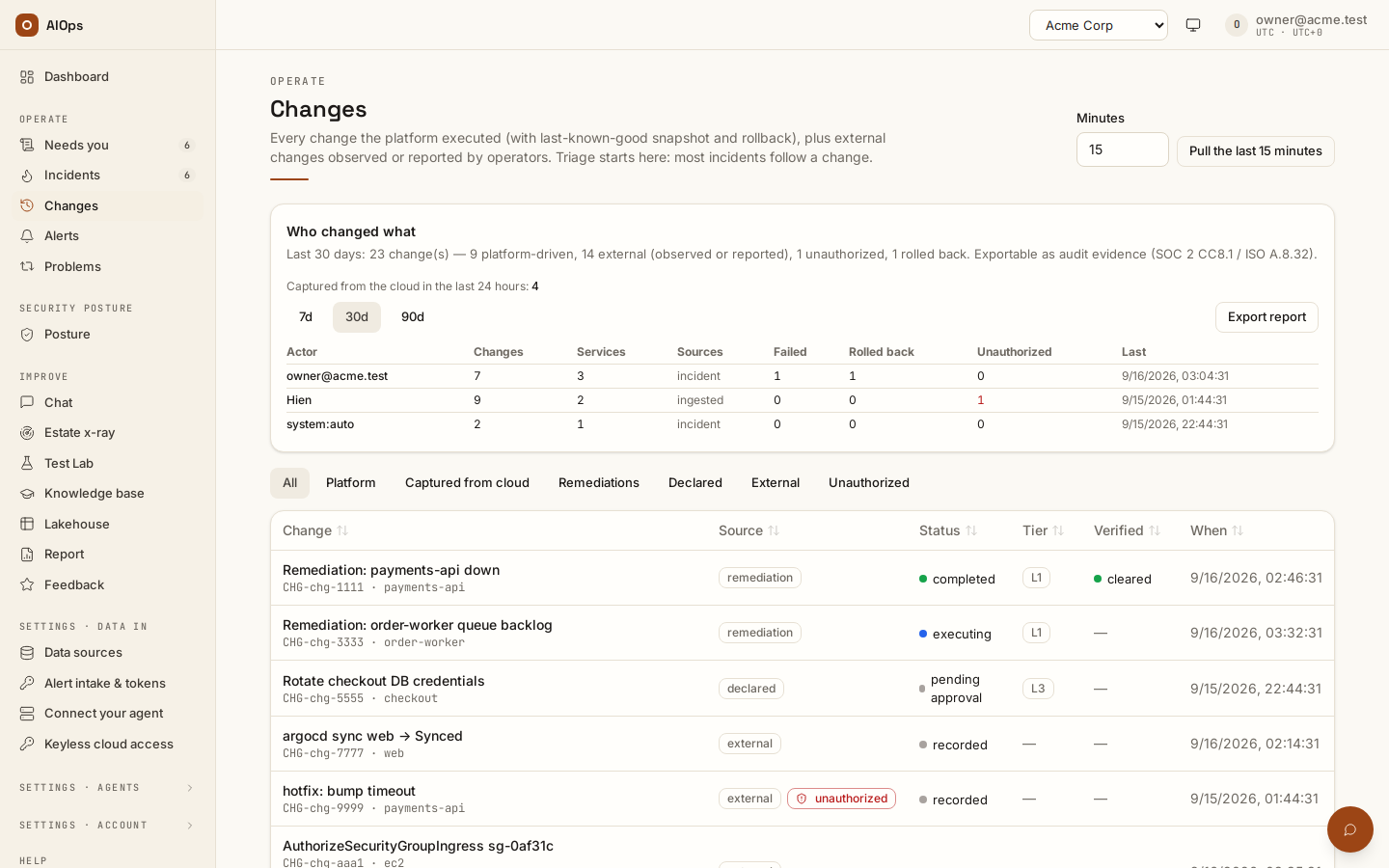
Video: Captured cloud changes and the compliance checks they trigger — Watch (1 min) · Captions · Transcript
Recorded 16 Sep 2026 on 0.1.74 — the page has changed since; see Changes captured from your cloud audit log.
Transcript
0:00 — Configuration changes can break security controls without causing an outage. The change ledger helps you find them.
0:08 — Pull the last minutes of the cloud audit log from the connections you already have.
0:13 — The receipt says what was read, what matched a rule, and what that opened.
0:19 — A captured change names the actor, the operation and the resource.
0:25 — Security posture records the controls checked after a change, with links to the findings.
The supported providers, pull controls, permissions and recorded results are in Changes captured from your cloud audit log. A control that fails after a captured change opens a control:<id> incident listed under Security posture → Posture, apart from the operational Incidents table.